
Product Setup & Guides
Choose a product guide below for step-by-step instructions on setting up your faith-aligned local digital protection.
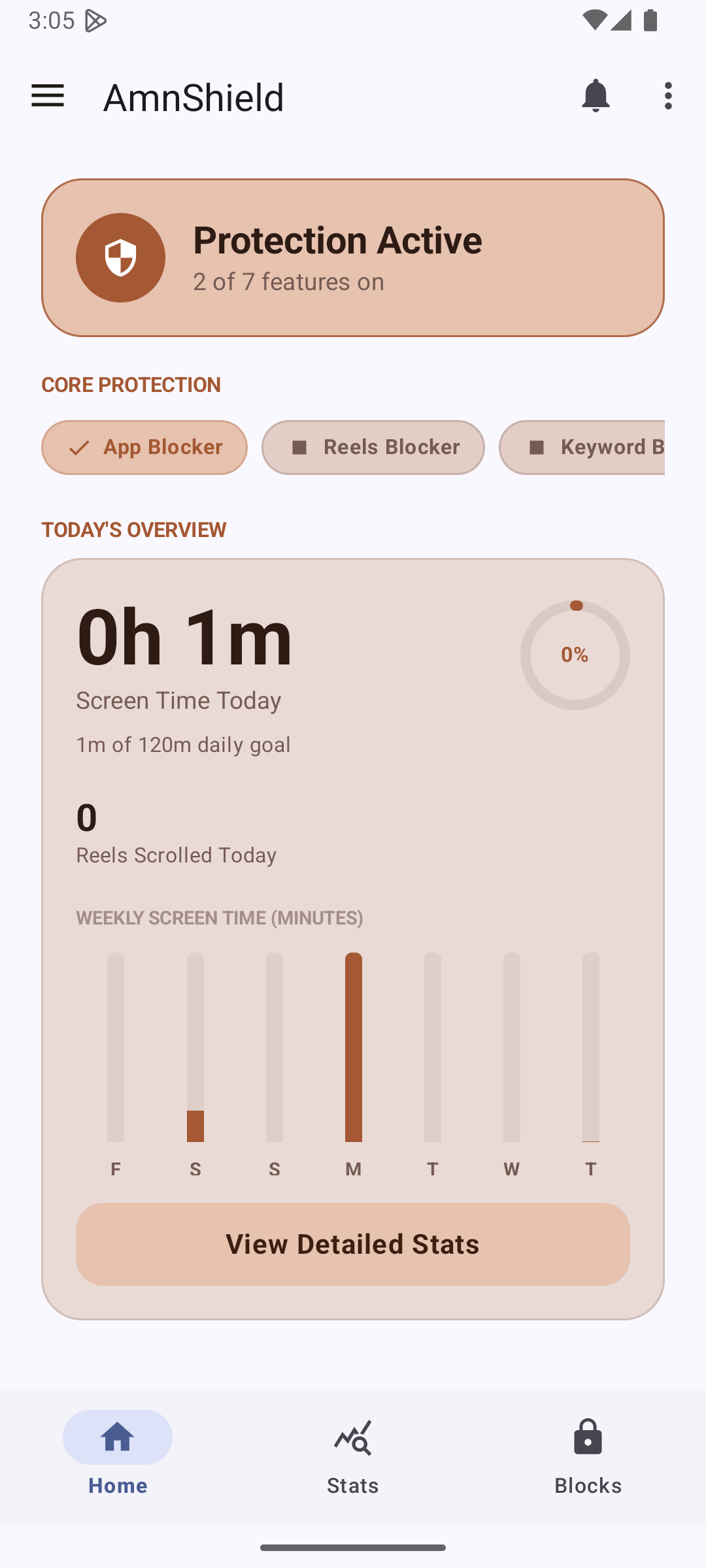
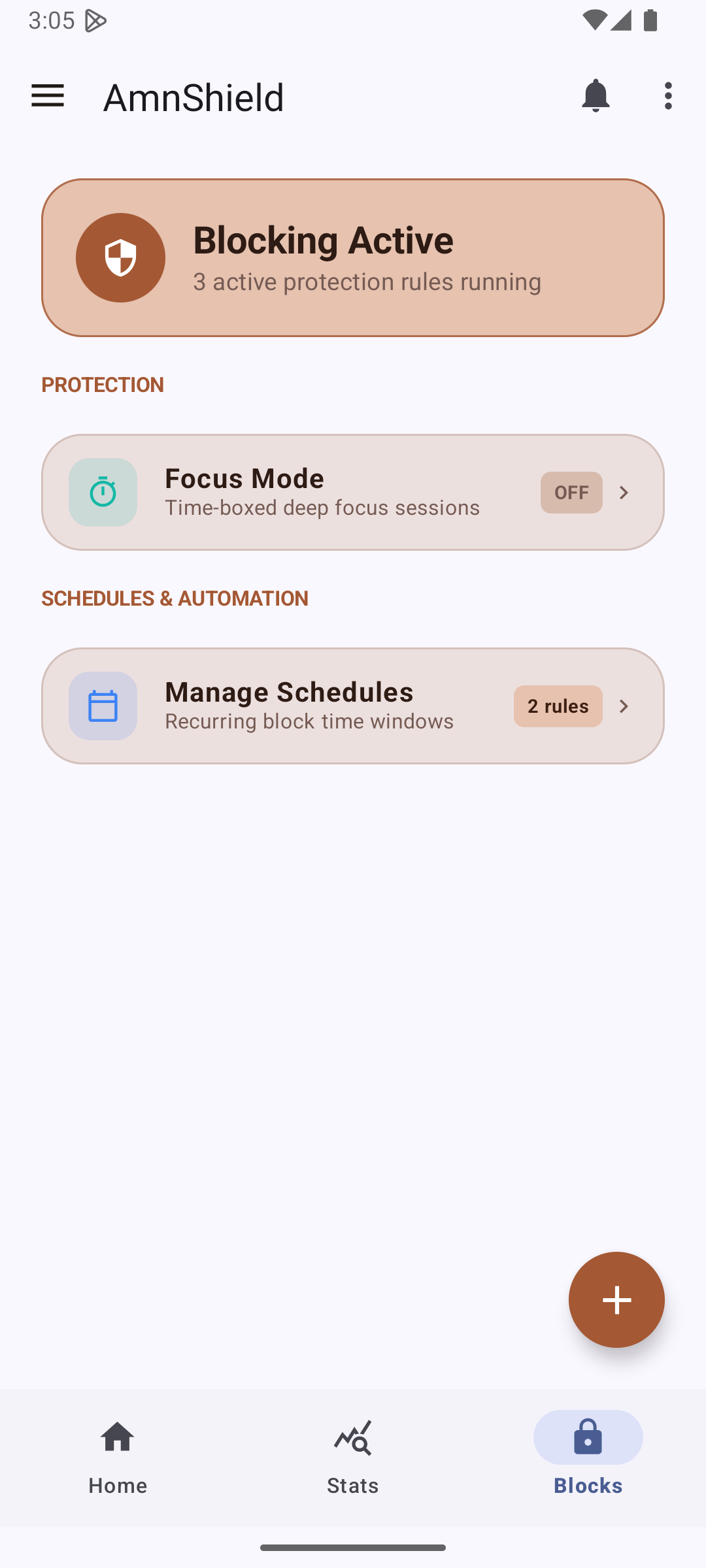
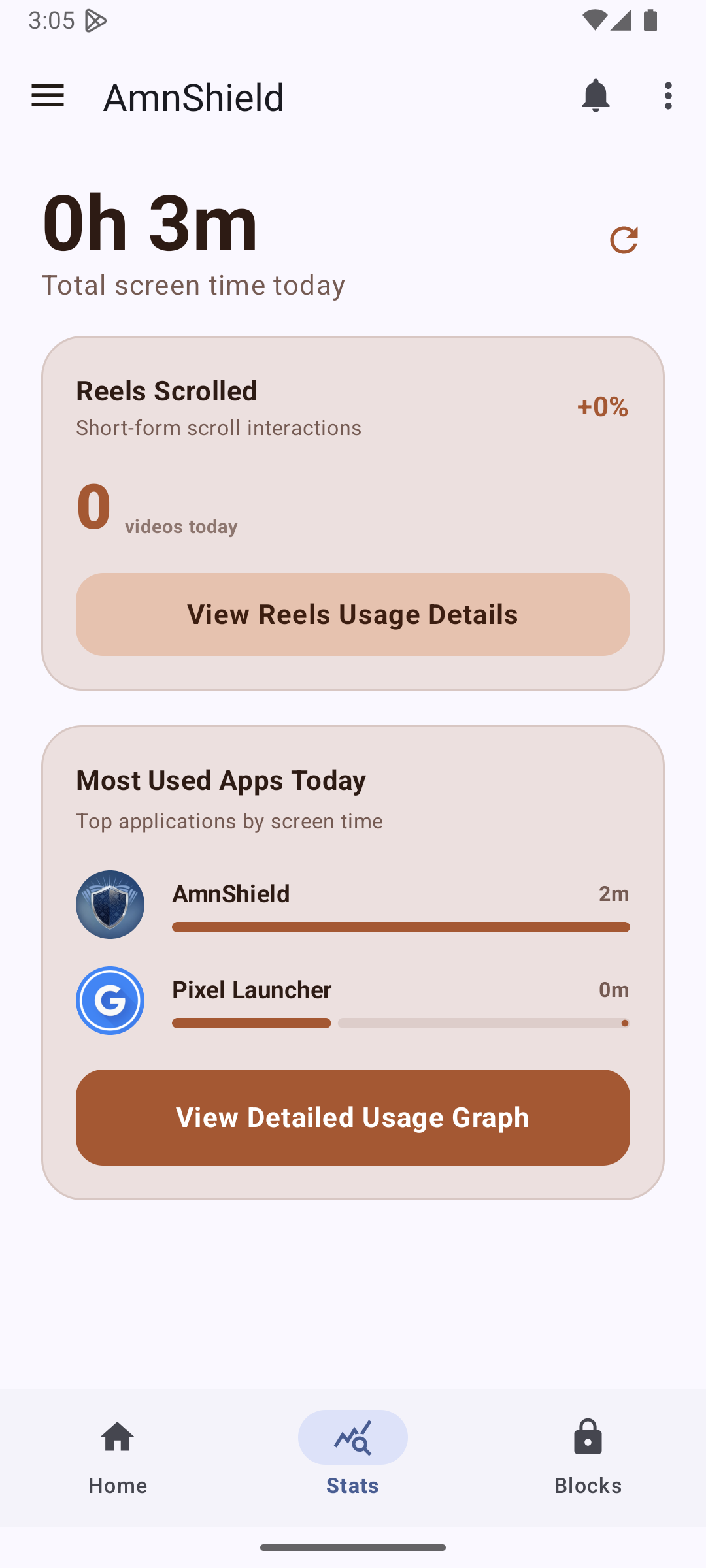
1. Dashboard Overview
The newly consolidated Blocks Dashboard acts as your central hub. View live active modules (App Blocker, Keyword Filter, focus timers) and swipe configurations instantly.
2. Setup Rules & Limits
Create structured launch limits (e.g. max 5 openings a day for social media) or recurring weekly schedules to enforce automatic silent locks.
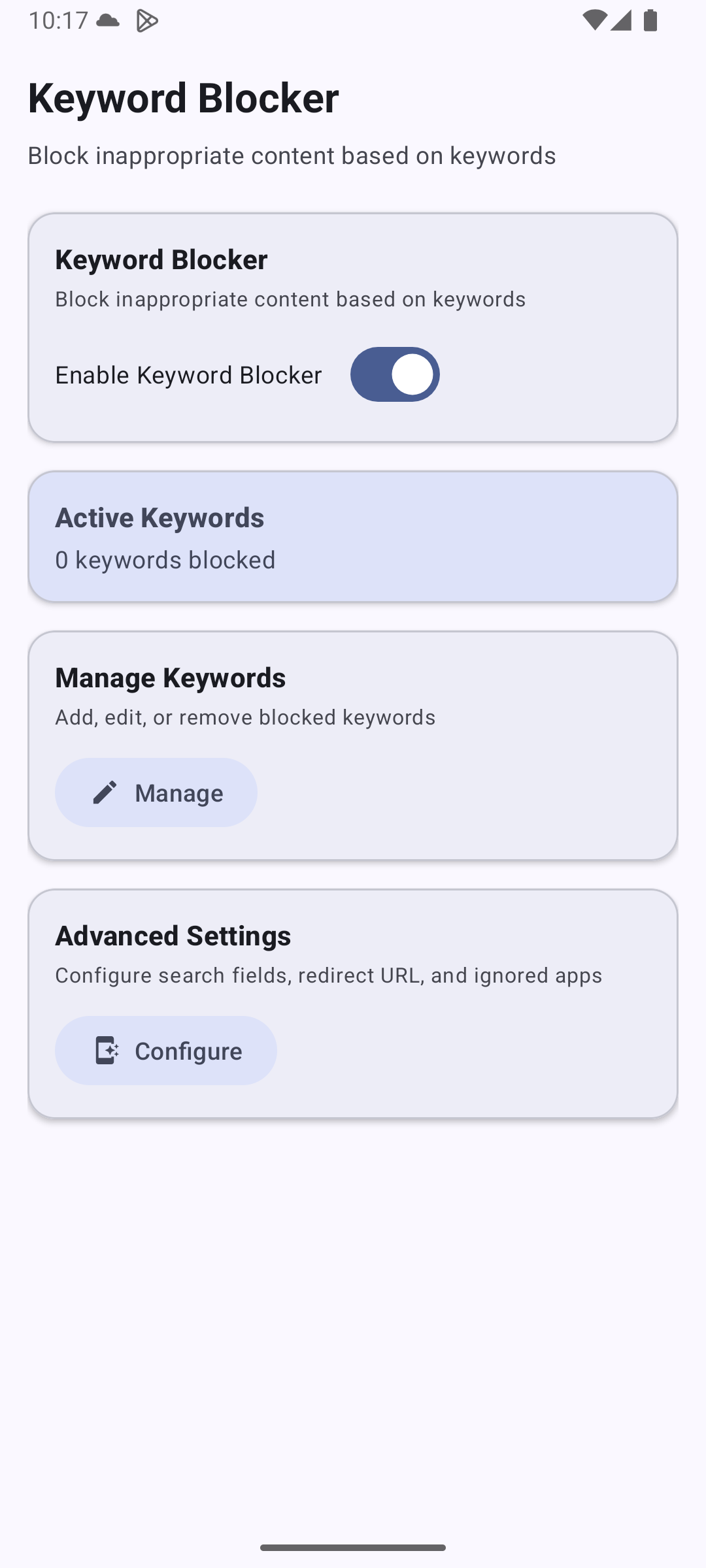
3. Accessibility Keyword Filter
Type keywords locally on-device. When accessibility services detect blocked phrases inside search bars or visual paths, AmnShield redirects you back.
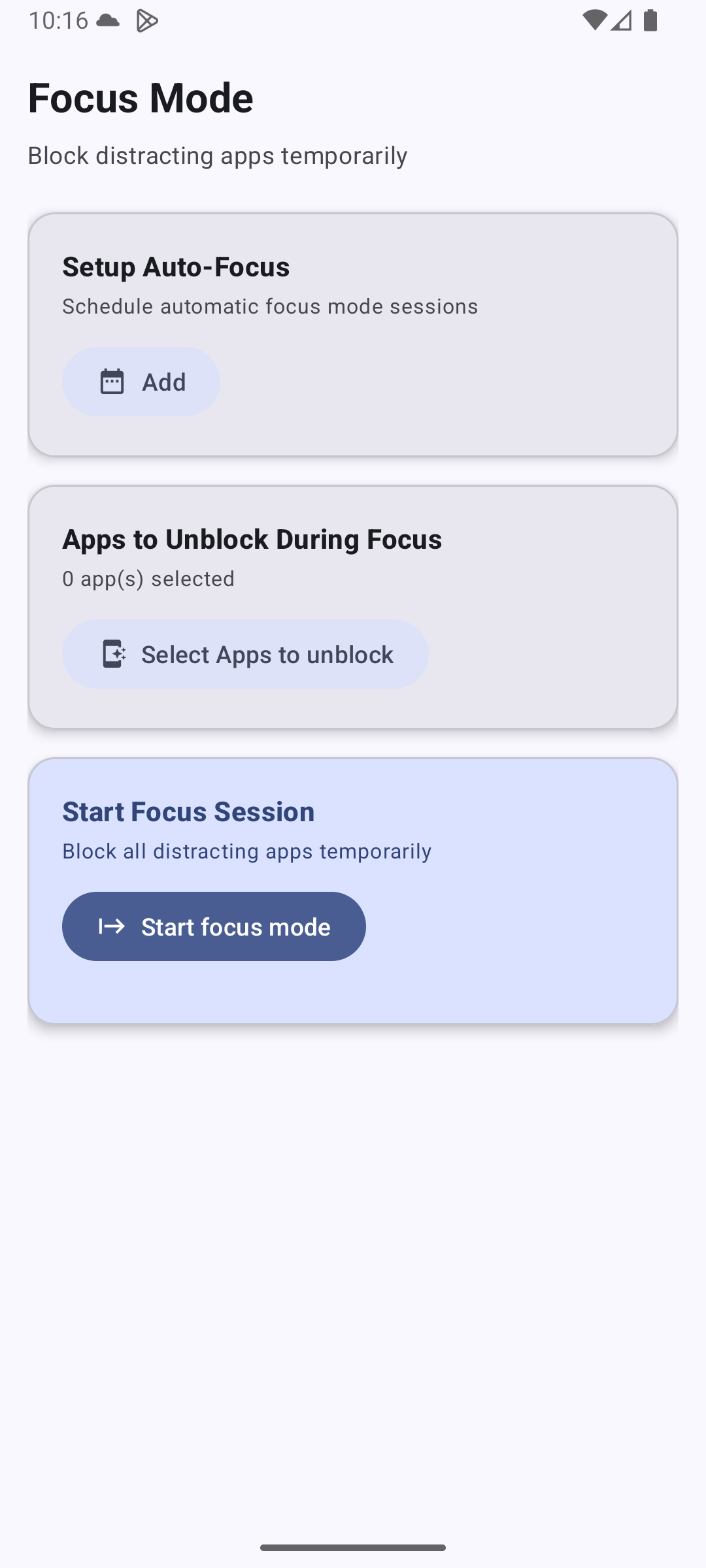
4. Start Focus Mode
Select timer sessions (15m to 2h) or configure automated Focus Schedules. Distracting apps and feeds are disabled, showing a calm breathing slide.
FAQ
Frequently Asked Questions
No root is required. AmnShield utilizes standard Android Accessibility Service APIs and local loopback protocols to securely intercept web paths and enforce blocking rules completely locally.
AmnShield Windows runs a small background socket server bound strictly to local loopback (`127.0.0.1:48192`). Your browser extensions query this status endpoint to update active domain rules instantly without communicating with third-party servers.
Never. One of our core design guidelines is "Privacy by Design." All keyword, process, and domain checking is handled offline and locally on your physical machine. We do not have database trackers logging your web activity.